Premium File Browser
Explore Files. Your Way.

The file browser Windows should have built. Modern tabbed interface, dual-pane view, and customizable themes.

✓ Tabbed Browsing ✓ Dual-Pane View ✓ Custom Themes
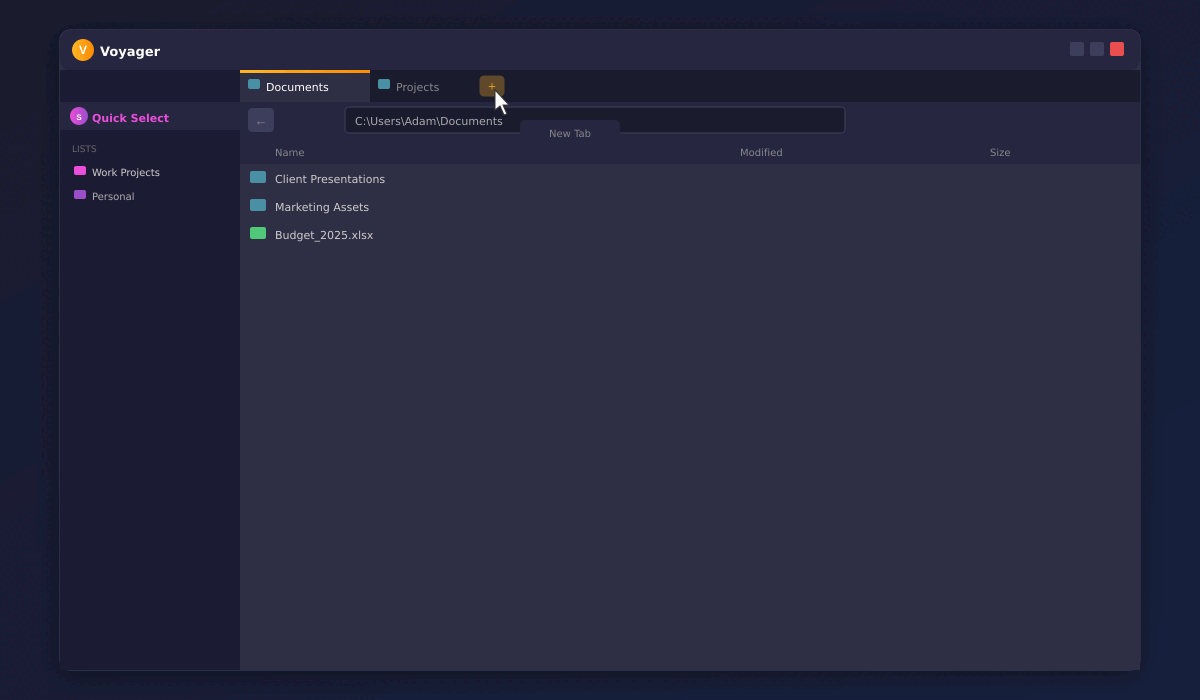
Voyager dual-pane file browser interface

See it in Action!

Watch how Voyager streamlines your file management workflow

Voyager demo
Click to play
Click to replay

Join the Waitlist

Be the first to know when Voyager launches.

Simple Pricing

Choose Voyager standalone or bundle with Quick Select for the full experience

Free

$0

Try Voyager with basic features

  • Up to 10 tabs
  • Day/Night themes
  • Basic file browsing
  • Dual-pane view
  • Custom color themes
  • Quick Select integration

Voyager Power

$5.99 one-time

Voyager standalone - no Quick Select

  • Unlimited tabs
  • Day/Night themes
  • Full file browsing
  • Dual-pane view
  • Custom color themes
  • Quick Select integration

Voyager Pro

$11.99 one-time

Full Voyager experience standalone

  • Unlimited tabs
  • Day/Night themes
  • Dual-pane view
  • Custom color themes
  • Workspaces
  • Quick Select integration

Already have Voyager standalone? Upgrade to Bundle by paying the difference.

Supercharge with Quick Select

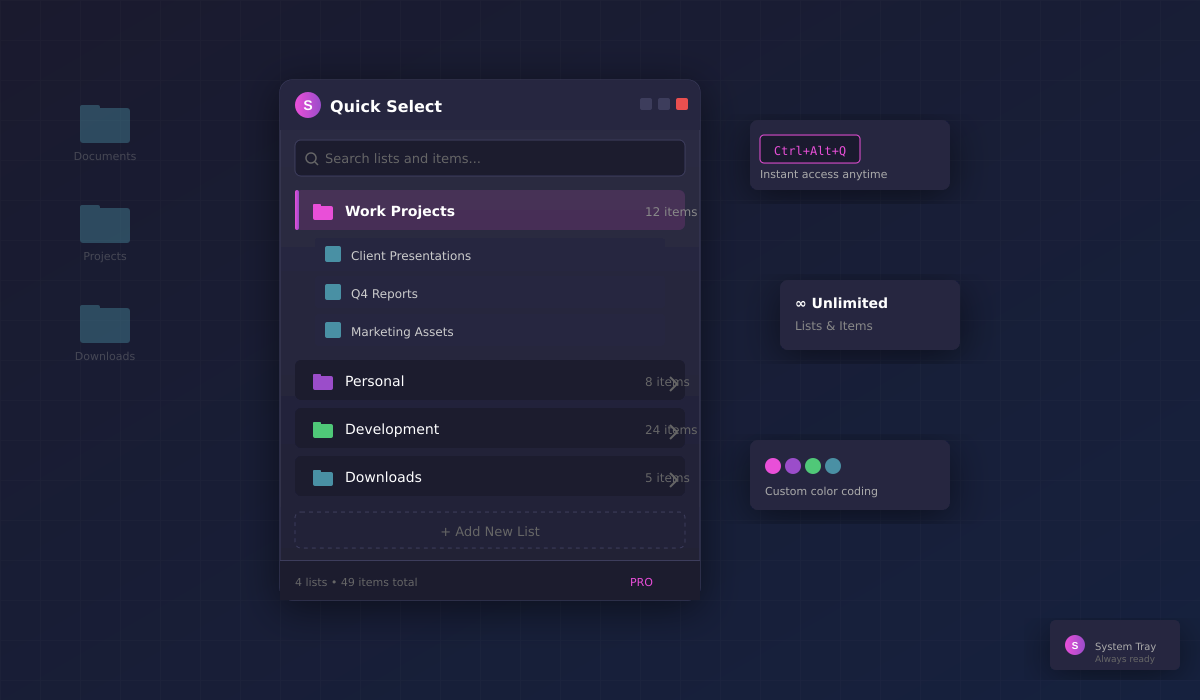
Add Quick Select to Voyager for the ultimate file organization experience. Create unlimited custom lists, access them instantly from Voyager's sidebar, and add files with a simple right-click.

Unlimited custom lists Integrated sidebar in Voyager Right-click to add files Ctrl+Alt+Q instant access
Learn About Quick Select →
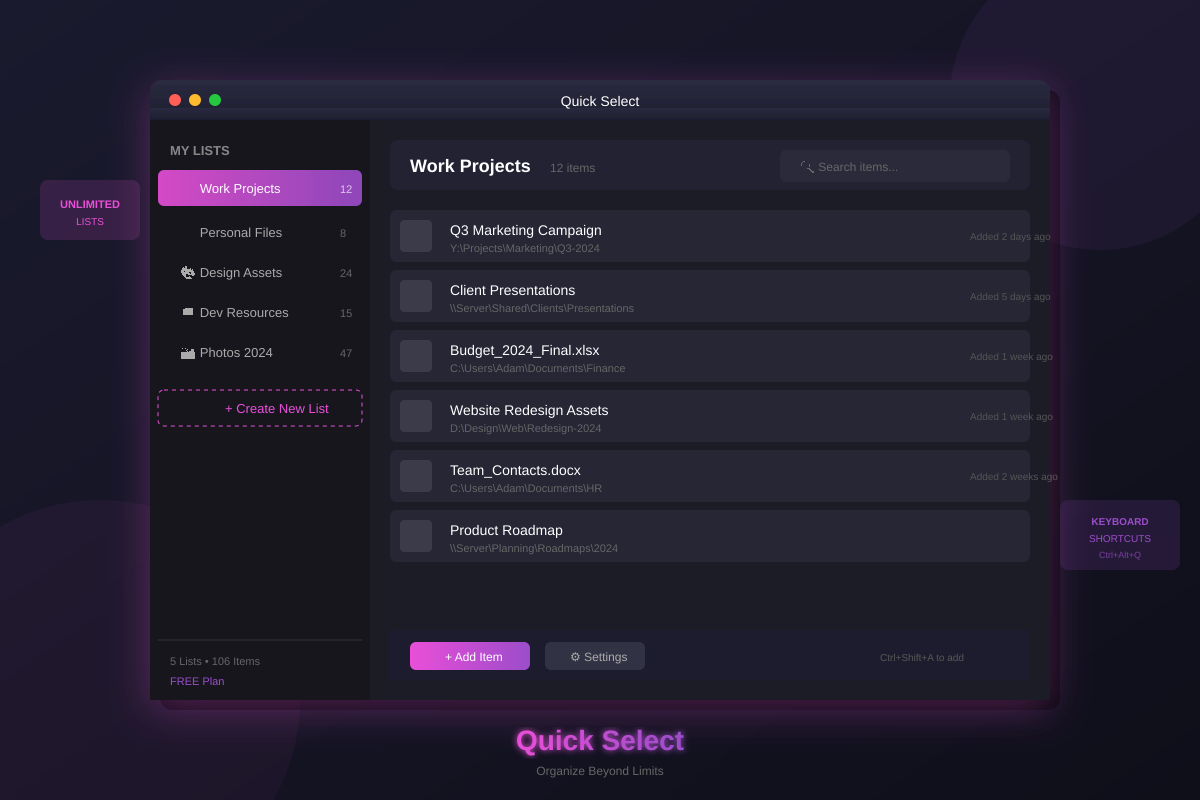
Quick Select interface preview